

Amazon provides a pretty irresistible shopping experience through its speedy shipping (among other Prime member perks), vast product range, and unbeatable prices. Prime Day events (including the upcoming Prime Big Deal Days) can often lead to regretful impulse buys. Psst: Just because something is down to its lowest price ever doesn’t mean you need it.
With another Amazon shopping holiday on the horizon, officially kicking off on Oct. 6, you may be wondering how to return unwanted items purchased at Amazon. Whether you fall victim to the inevitable Prime Day impulse buys, end up with a broken item, or accidentally order two of something, it’s actually pretty simple to make returns in 2026.
Here’s the step-by-step process to return your Amazon packages:
-
Go to Amazon’s website and click on Returns and Orders in the top-right corner of the screen. If you want to make a return on your Amazon app, the process is similar. On the app, click on the three horizontal lines at the bottom right of the screen. Then click on Orders and follow the same steps.
-
A new page displaying your latest orders will appear. Scroll down to the item you want to return, then click Return or replace items right next to the item listing. In the app, you’ll need to click the specific item before you see the option to “return or replace items.”
-
The next page that opens will have a drop-down menu listing reasons for returning the item. Select the option that applies to your purchase, then click the yellow Continue button.
-
Then you will have the option to refund the balance to your Amazon account or to your debit/credit card. Pick what you prefer — refunds to bank cards usually take a week or so, while refunds to your Amazon account wallet are pretty immediate.
-
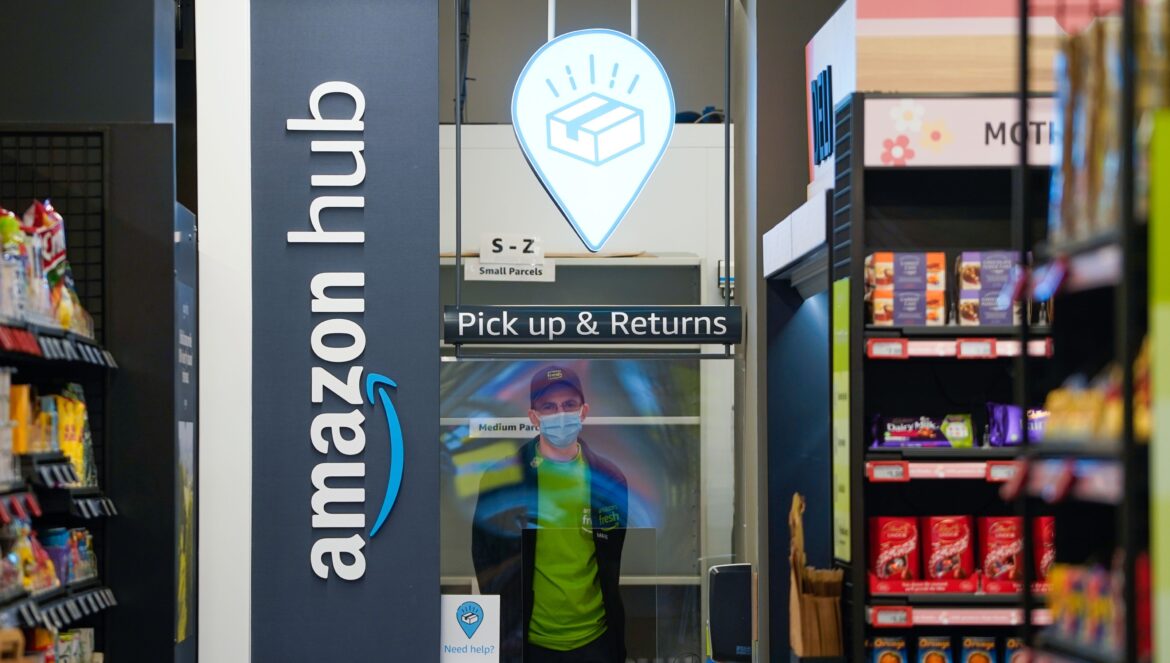
The last step in the online return process is choosing where you’ll drop off your return. Amazon is pretty flexible with return methods: You can drop off the item for free at your nearest UPS Store, Kohl’s, Whole Foods, Staples, or Amazon Store. You can also schedule a UPS pick-up for $7.99. These options may vary depending on your location. Once you select a method, you’ll receive a QR code that you can use to return the package at the drop-off location. If you choose UPS or Kohl’s, no original packaging, tape, or shipping label is necessary — just bring the item and scan it.

Credit: Screenshot: Amazon
Though Amazon touts “free returns” on many products, you may see a mystery $1 fee on your account if you did your return at a UPS store. As of April 2023, Amazon often charges a $1 fee for items returned to UPS when there is a Whole Foods, Amazon Fresh store, or Kohl’s closer to their delivery address.
While the return process is fairly intuitive, Amazon’s return policy can be tricky for some purchases. While the website states that most items can be returned in their original packaging with no missing parts within 30 days of receipt, regardless of whether they’ve been opened, there are some notable exceptions. Some luxury items cannot be returned once opened, for instance. And if you purchased an item on Amazon from a third-party seller, that seller might have their own return policy that differs from Amazon’s. Meanwhile, not all items can be returned, such as digital orders, gift cards, and groceries purchased through Amazon Fresh.
Source: https://mashable.com/article/how-to-return-amazon-packages